

Meet SyncOne
AI follows your video—no script hunting
SyncOne follows the video on your screen. It rotates and vibrates with the action in real time—no preset patterns.
Where it works
Works with the videos you already watch
Browser and streaming sites, local files, videos on your phone, and Funscript playback.
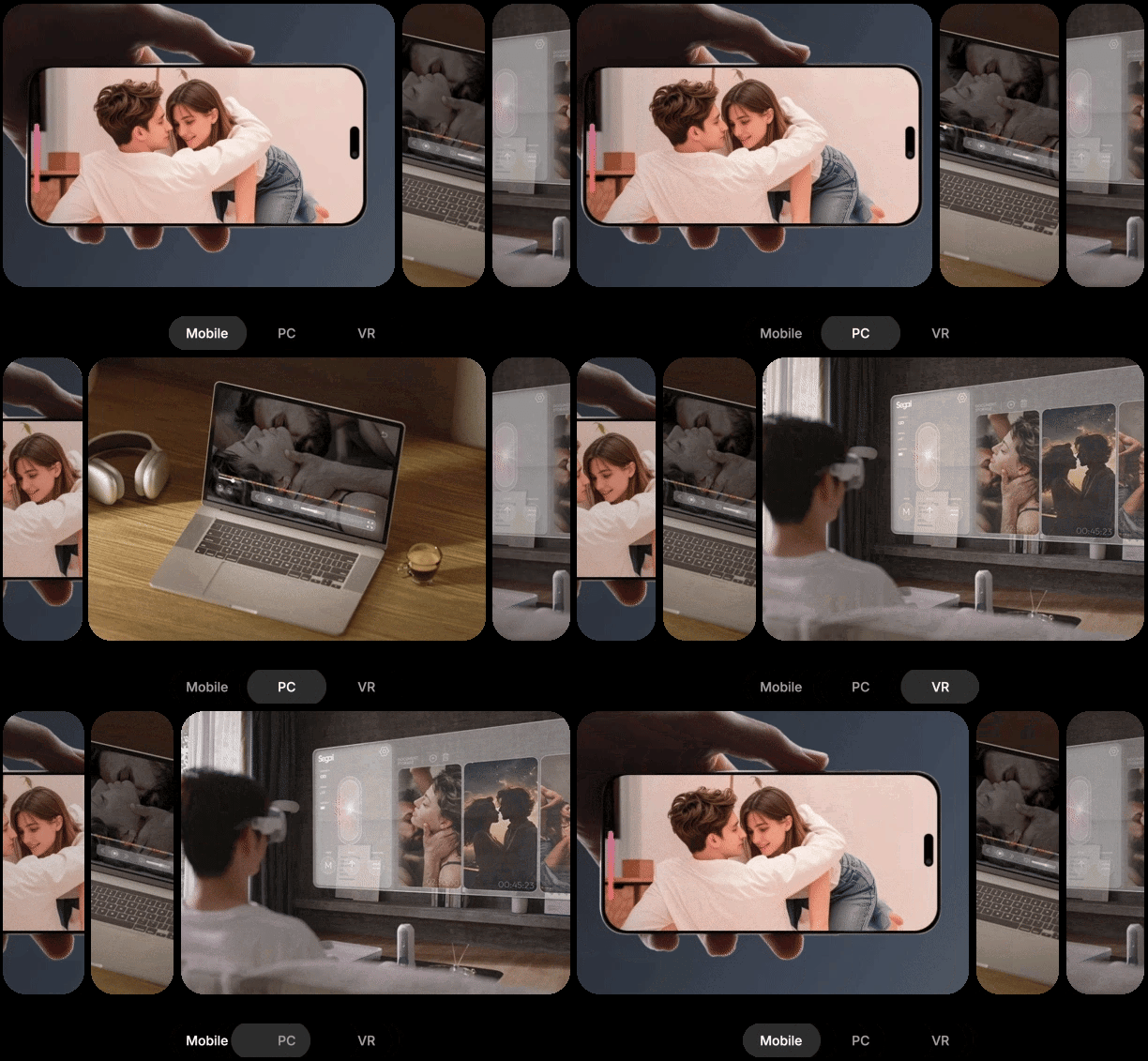
Works on your phone or computer
Works with iOS, Android, Windows, Mac, and VR.
How it works
Step 1
Connect SyncOne.
Open the app, choose your device, and tap Connect.
Step 2
Load a video.
Open Video Sync, pick a clip from your library, and hit play.
Step 3
Feel the sync.
SyncOne follows the motion on screen—rotation and vibration change with the video.
Let customers speak for us
Questions, answered.
The essentials about compatibility, content, privacy, care and discreet delivery.
What content works with SyncOne?
Use browser-based videos, streaming platforms, local video files, videos from your phone library and Funscript playback.
Which sleeve should I choose?
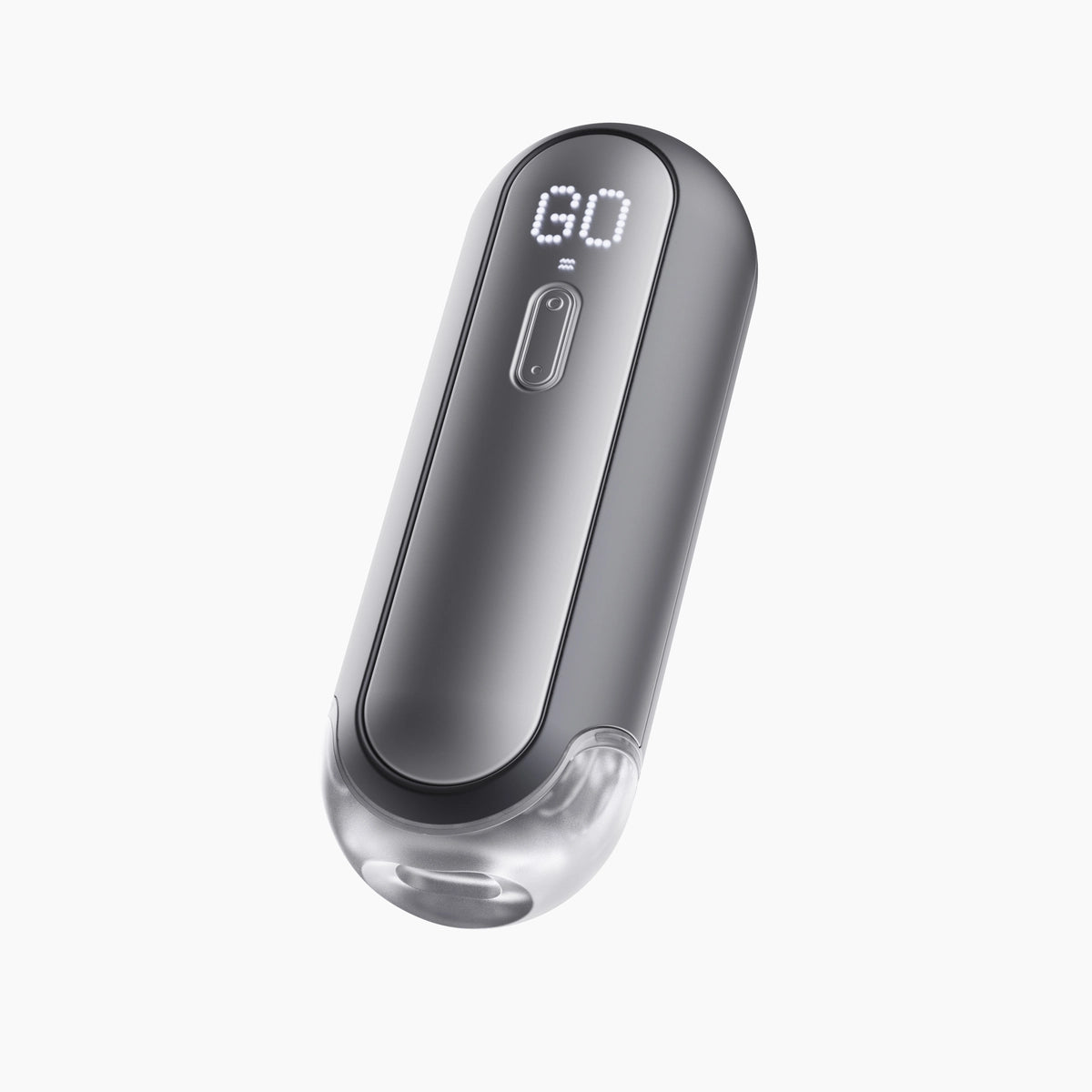
The Standard Sleeve has one vibration motor and is designed for a standard fit. The Ultimate Sleeve offers a roomier fit for larger anatomy, with three motors for stronger, more varied vibration.
Do I need SyncBar to use SyncOne?
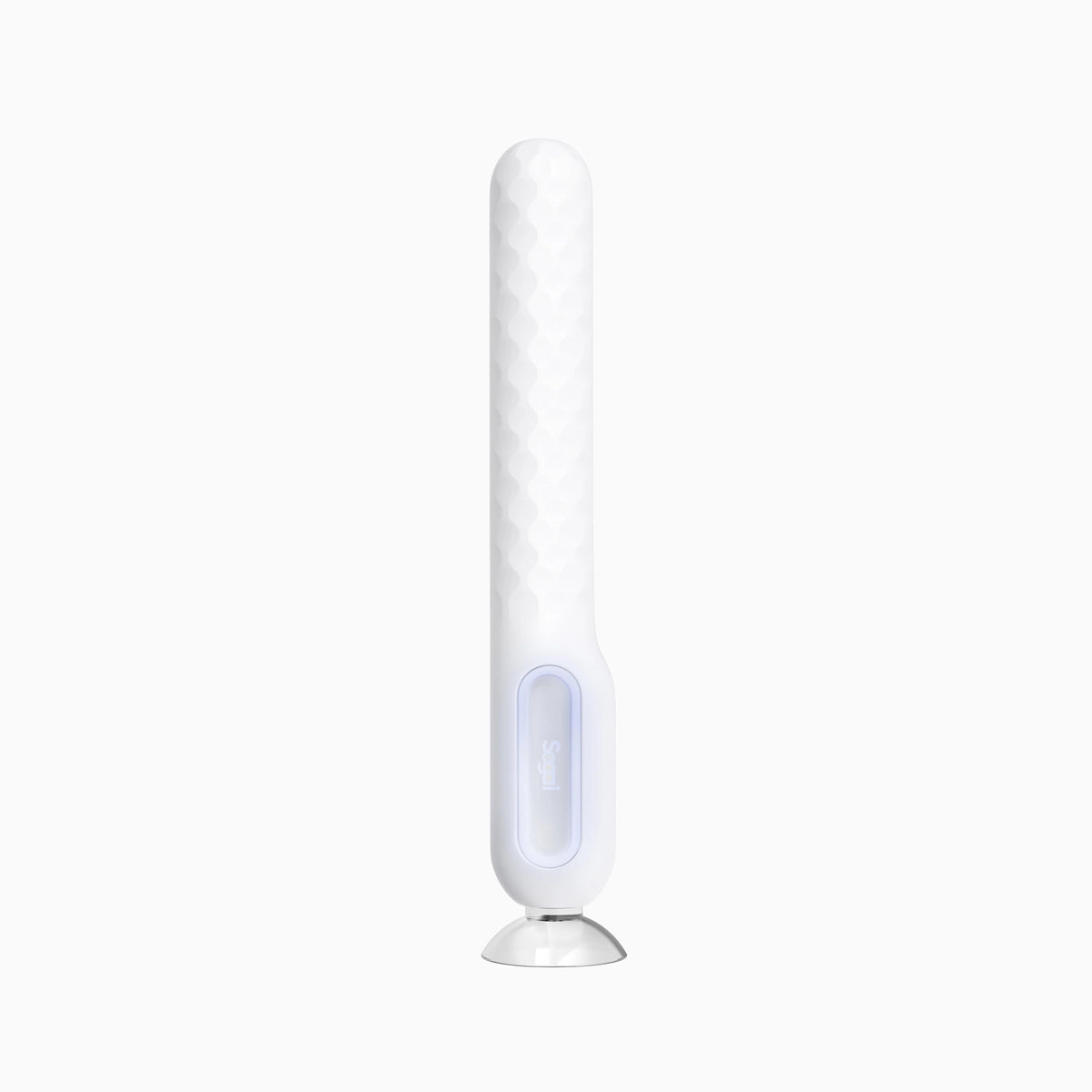
No. SyncOne works independently with Vision AI. SyncBar is an optional addition for partner-controlled experiences, nearby or across distance.
What does the Smart Base do?
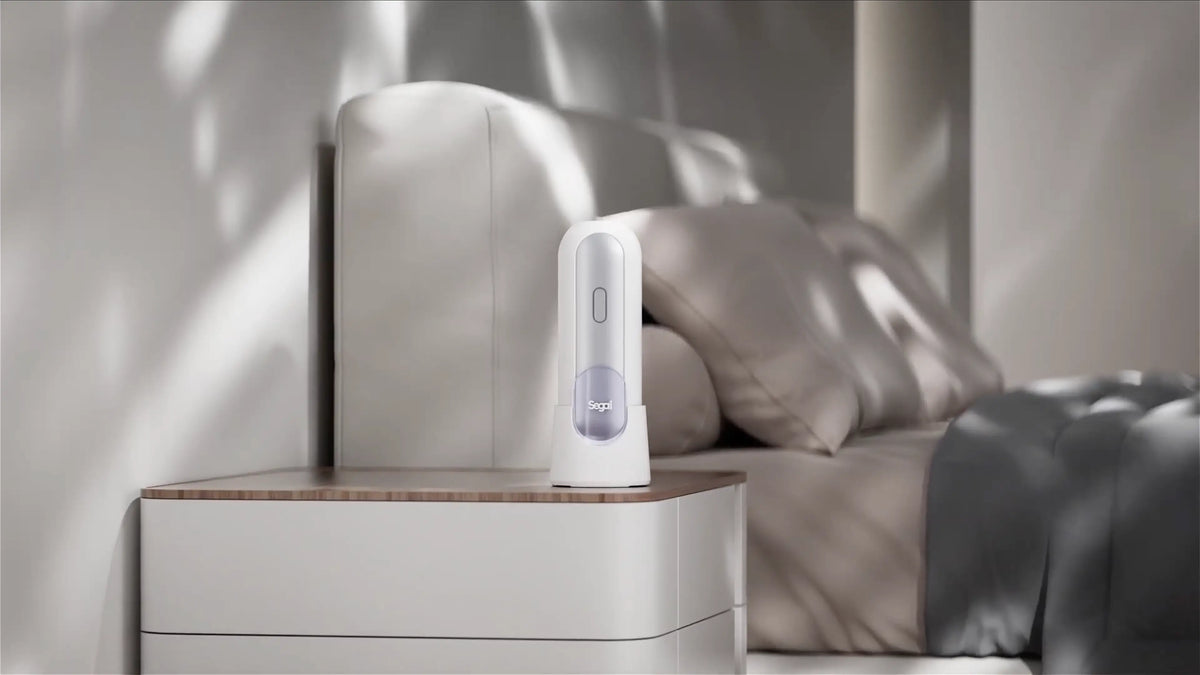
The Smart Base warms and dries the sleeve between uses.
How do I clean SyncOne?
Remove the sleeve and hand-wash it with warm water and mild soap. The SyncOne main unit must not be rinsed, submerged or placed in water.
How does SyncOne protect my privacy?
Vision AI analyzes video on your device. Local video files and video frames are not uploaded to Segai for analysis. Accounts, purchases and optional remote synchronization use online services, as explained in our App Privacy Policy.
Awards & Recognition




82
countries
Shipped to 82 countries.
$500K+ USD
pledged
Over $500K raised with backers.
4.8
stars
4.8-star average from customer reviews.